Logo Intro Maker
How to make a logo intro.
Five steps from a logo file to a finished intro clip, with a free browser tool. No After Effects, no templates to edit.
No account, no upload: your logo stays in your browser.
Looks that fit
1. Prepare your logo file
An SVG gives the best result. Otherwise use the largest PNG you have, on a transparent or plain background, up to 25 MB. Flat colours trace into 3D shapes; gradients become their average colour and photos go on a 3D plate. More on which files work.
2. Pick a look
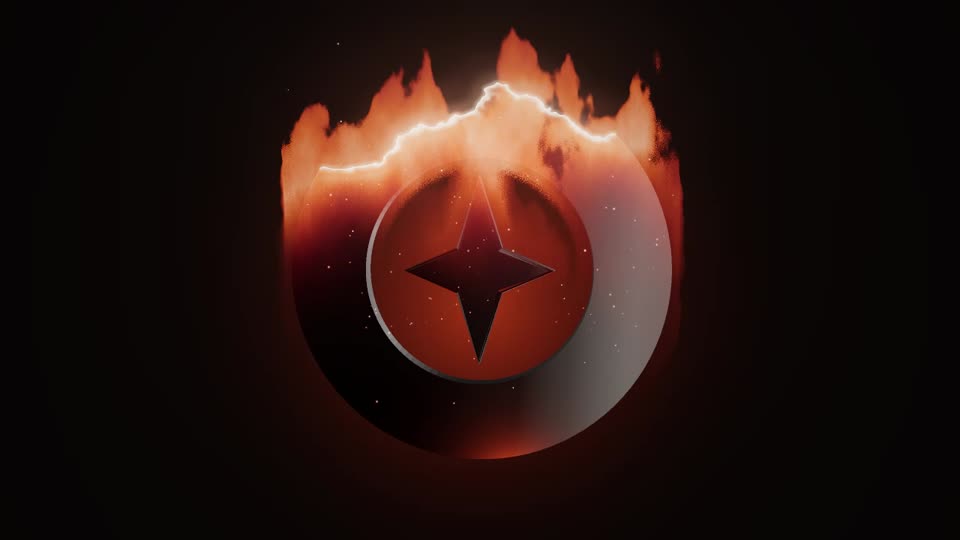
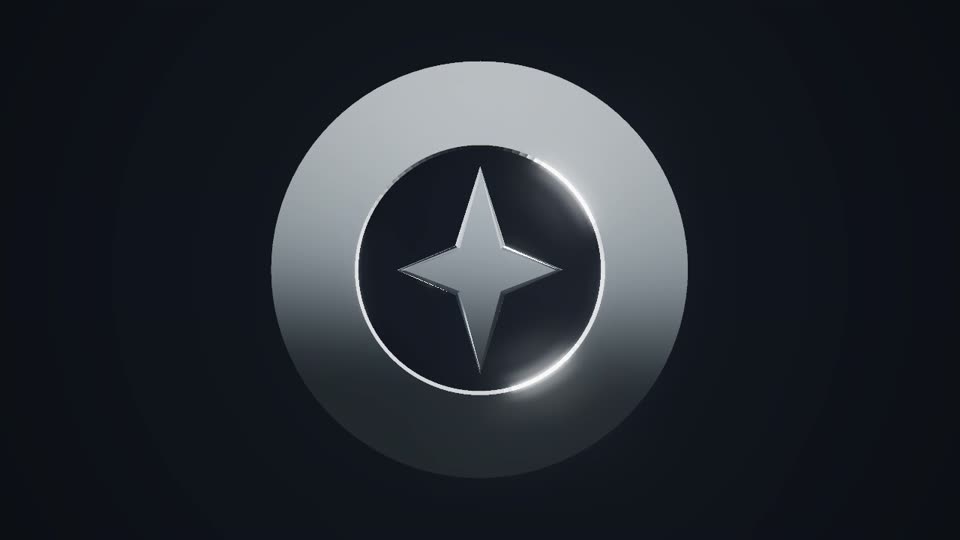
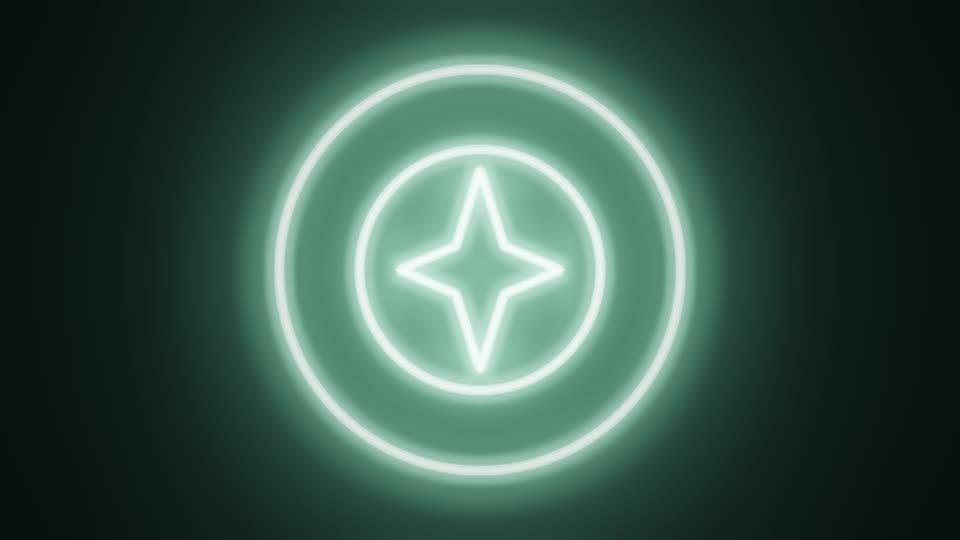
There are 8: Chrome, Neon, Particles, Glass, Glitch, Fire, Gold and Clean. Chrome suits tech and general channels, Glitch and Neon suit gaming, Clean and Glass suit businesses and podcasts. The preview plays live, so switching costs nothing.
3. Set length, frame and sound
- Length: 4 seconds for fast edits and social posts, 6 to let the logo breathe.
- Frame: 16:9 for YouTube, 9:16 for Shorts, Reels and TikTok, 1:1 for square posts.
- Frame rate: the same as your footage (24, 30 or 60 fps), so the cut is smooth.
- Tagline: optional, up to 60 characters.
- Sound: Soft sweep, Bright whoosh, or none if you use your own music.
4. Export
The free export is a 720p MP4 with a small corner watermark; a 6-second clip takes about a second on a typical desktop. Personal ($19, one-time) removes the watermark and goes up to 1080p. Pro ($49, one-time) adds 4K and a transparent background.
5. Add it to your video
Place the MP4 at the start of your timeline like any clip. Many creators open with a quick hook and play the intro after it. Looks that end on a still hold, such as Chrome, also work as an outro. Editor-by-editor steps are on the video editor guide.
Questions
How long should a logo intro be?
Short. This tool makes 4 and 6 second clips: long enough for the logo to land, short enough not to get in the way.
Do I need After Effects or a template?
No. The 3D intro is built from your own logo in the browser: no plug-ins, no template project to edit and no render queue.
Can I make a logo intro on my phone?
Yes. The editor works on phones and exports there when the phone's browser can make video. A free export is the easy test.
Pay once. Nothing to cancel.
One payment, yours for good. Full refund within 14 days.
$0no account needed
- Unlimited live previews
- 720p MP4 export
- Small corner watermark ("made with lunebit.com")
- Try the transparent background at 720p (watermarked)
- No account, no card
$19one-time
- No watermark
- MP4 up to 1080p
- Unlimited exports
- All 8 looks, with fixes and improvements
- Use in your own projects: your business's videos and ads, monetised channels, your own games and apps
- Pay once, no subscription
$49one-time
- Everything in Personal
- 4K export
- Transparent background up to 4K: PNG frames for Premiere, Resolve and After Effects, WebM for OBS and web pages
- Batch export: several ratios and sizes in one ZIP
- All future look packs
- Client-work licence
Have Personal? Upgrade any time for $30, the difference.
Ready when your logo is.
Preview free in your browser. Pay once for the full-quality file.