Logo Intro Maker
Transparent logo animation.
Export your 3D logo intro without a background, so it plays over your own footage, stream or web page. Try it free at 720p; Pro exports it up to 4K.
No account, no upload: your logo stays in your browser.
Looks that fit

Chrome Logo Reveal
Polished mirror metal swings in, a light strip sweeps across, then a clean hold.

Gold Logo Reveal
Polished gold, falling glitter and one warm light sweep. For weddings and premium brands.
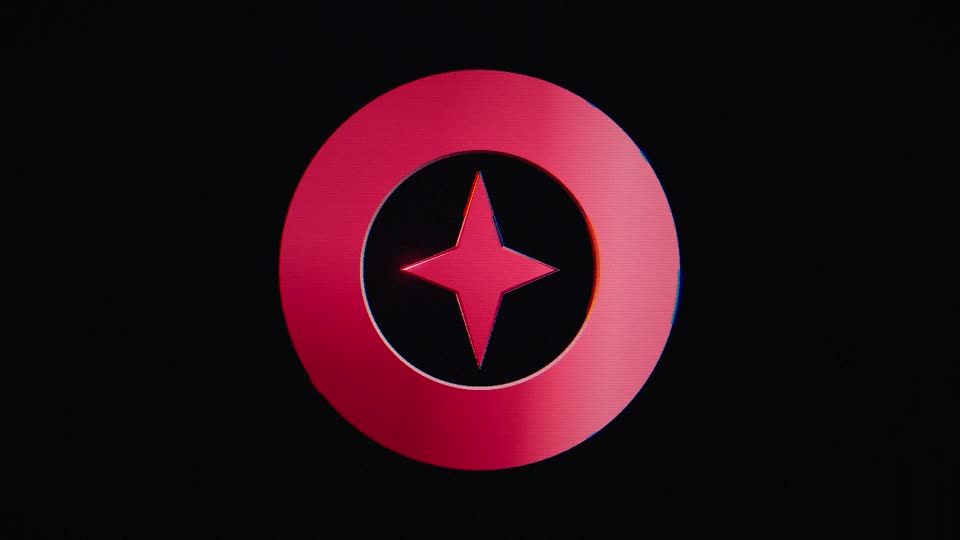
Glitch Logo Intro
Torn frames and RGB split cut your logo in, then two short glitches after it lands.
Two transparent formats
- PNG frames (ZIP): one image per frame, for editors that import image sequences, such as Premiere Pro, DaVinci Resolve or After Effects. If you pick a sound, it comes in the ZIP as a WAV file that starts with the first frame.
- WebM video: one file with the sound inside, for OBS Studio as a stinger transition or a media source, and for web pages in Chrome, Edge and Firefox. The tool makes it in desktop Chrome and Edge.
Step-by-step imports for each editor are on the video editor guide.
Where transparency doesn't show
Safari and many video players don't show WebM transparency, and CapCut and most phone editors can't use either form. Use the MP4 there. If you only want the logo over your footage, export the MP4 on a pure black background and set the clip's blend mode to Screen: the black drops out and the glow stays.
Looks that hold up best
Every look keeps its glow as see-through light, and Glitch keeps its torn frames and colour split. Over light footage a coloured glow reads as a pale haze, so darker footage shows it best. A few parts that would cover your footage stay out: Neon's dark sign body, Glass's lit backdrop, the warm light behind Fire and Gold, and Clean's shadow. Looks whose shine is in the 3D surface itself change least: Chrome, Gold and Glitch.
Try it free first
The free version exports both transparent formats at 720p with a lunebit.com mark across the middle, so you can test the overlay in your own editor or in OBS before you pay. Pro ($49, one-time) removes the mark and goes up to 4K.
Questions
Is the transparent background free?
You can try it free at 720p, with a lunebit.com mark across the middle. Clean transparent exports, up to 4K, are part of Pro ($49, one-time).
Can I get a transparent MP4?
No. The MP4 video made here (H.264) can't store transparency. Use the PNG frames or the WebM, or export the MP4 on a pure black background and use the Screen blend mode in your editor.
Does it work in CapCut or on my phone?
Not as a transparent file: CapCut and most phone editors can't use PNG frame sequences or transparent WebM. Use the MP4 there, with the black background and Screen blend mode if your app offers blend modes.
Pay once. Nothing to cancel.
One payment, yours for good. Full refund within 14 days.
$0no account needed
- Unlimited live previews
- 720p MP4 export
- Small corner watermark ("made with lunebit.com")
- Try the transparent background at 720p (watermarked)
- No account, no card
$19one-time
- No watermark
- MP4 up to 1080p
- Unlimited exports
- All 8 looks, with fixes and improvements
- Use in your own projects: your business's videos and ads, monetised channels, your own games and apps
- Pay once, no subscription
$49one-time
- Everything in Personal
- 4K export
- Transparent background up to 4K: PNG frames for Premiere, Resolve and After Effects, WebM for OBS and web pages
- Batch export: several ratios and sizes in one ZIP
- All future look packs
- Client-work licence
Have Personal? Upgrade any time for $30, the difference.
Ready when your logo is.
Preview free in your browser. Pay once for the full-quality file.