Logo Intro Maker
Turn a PNG or SVG logo into a 3D animation.
Drop in the logo file you already have. Flat-colour logos are traced into real 3D shapes in their own colours, and the result plays as a 4 or 6 second intro you export as an MP4.
No account, no upload: your logo stays in your browser.
Looks that fit
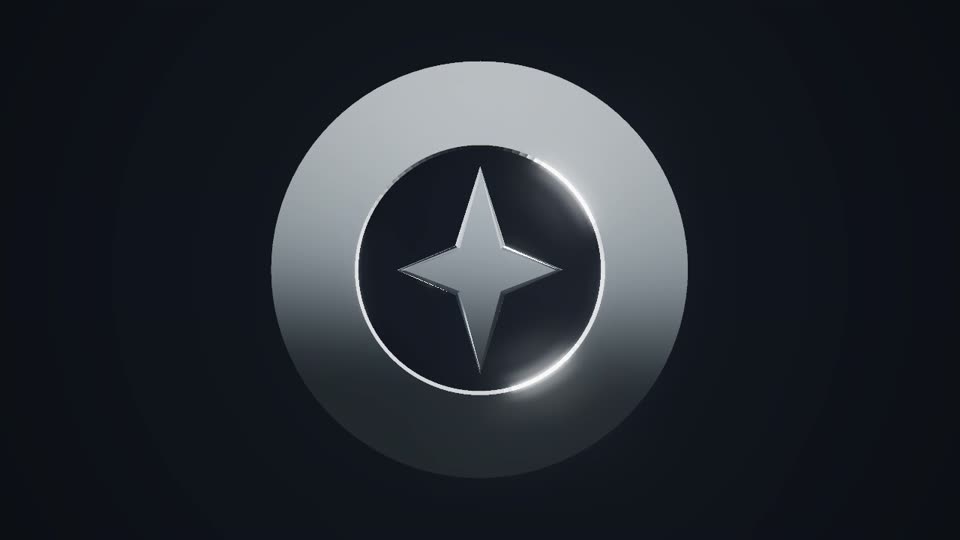
Chrome Logo Reveal
Polished mirror metal swings in, a light strip sweeps across, then a clean hold.
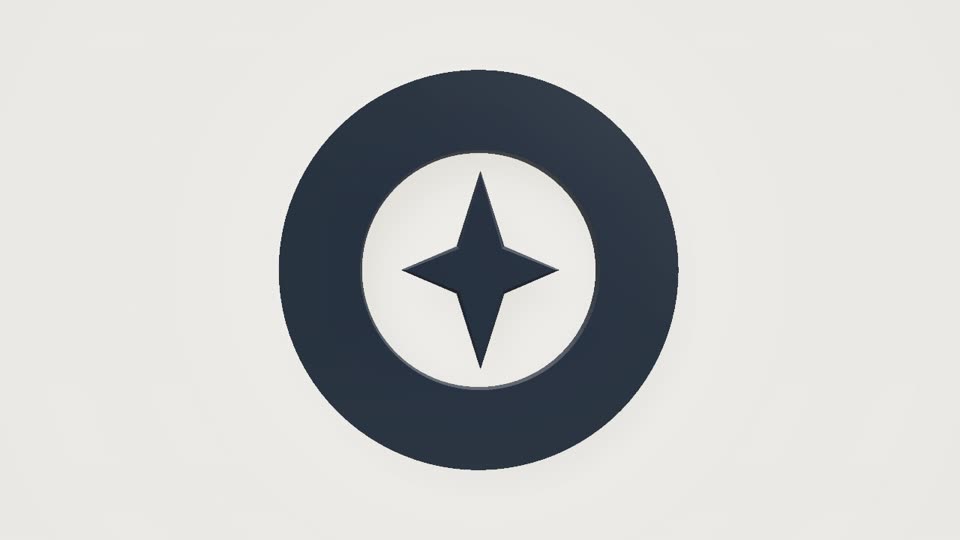
Clean Logo Reveal
A calm rise with a soft shadow on a light background. For companies and podcasts.
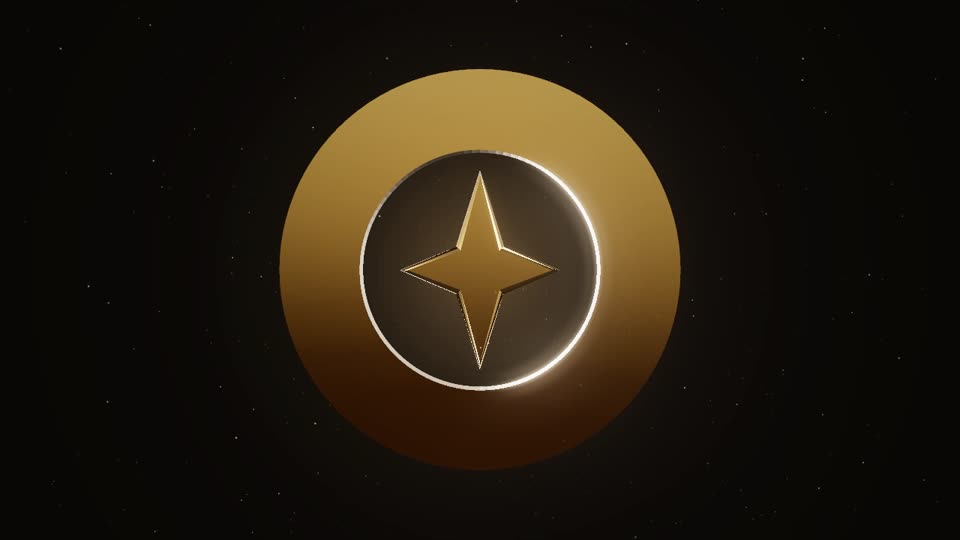
Gold Logo Reveal
Polished gold, falling glitter and one warm light sweep. For weddings and premium brands.
What happens to your file
- SVG gives the best result. Designer SVGs with live text, clipping or masks work too; live text uses the fonts on your computer, so outlined text is safest.
- PNG, JPG and WebP work up to 25 MB. On a plain white or solid background the logo is usually cut out automatically.
- Up to 16 flat colours can keep their colours in 3D with Keep original colours.
- Pixel art keeps its square blocks instead of being smoothed out (how pixel art is handled).
- Smooth gradients become their average colour, and photos are shown on a 3D plate.
Traced or on a plate
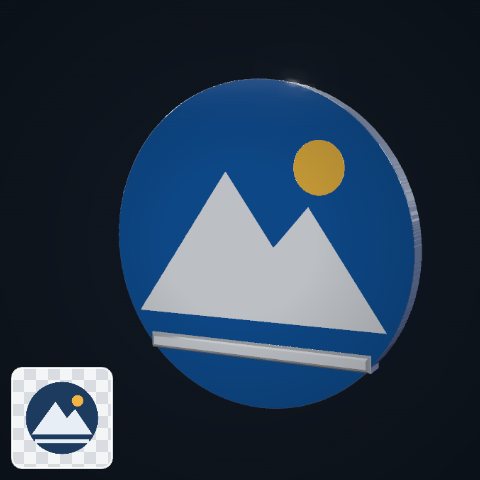
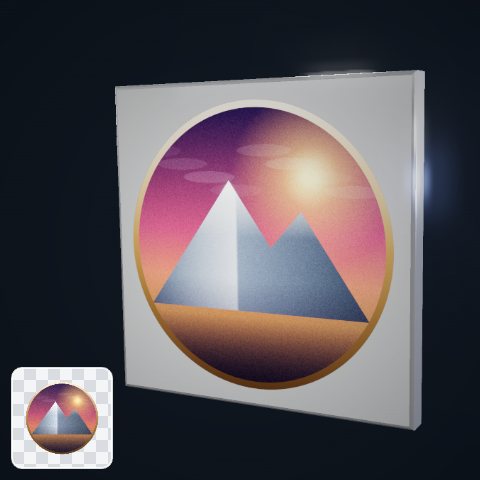
The same made-up badge, uploaded two ways and shown at the same moment of the Chrome intro. The flat-colour PNG on the left is traced: each shape is built in 3D, with depth and bevelled edges. The shaded, grainy version on the right has more than 16 colours, so it cannot be split into solid shapes and the picture is shown on a 3D plate instead. The small card in each corner is the uploaded file.
You never have to guess which one you will get: right after you upload, the note under your logo says “traced” or “On a 3D plate” and why, and the free 720p export is the same render, so you can check before you pay.
Getting the best result
Use the SVG if you have one. Otherwise pick the largest PNG you have, on a transparent or plain background, in flat colours rather than gradients or soft shadows. If a shape inside the logo matches the background, like a white cup on white, you choose whether it stays solid.
Your file stays on your device
Tracing, the 3D preview and the export all run in your browser. Your logo is never uploaded, there is no account to create and no render queue to wait in.
Video, not web animation
This makes video: an MP4, or on Pro a transparent PNG-frame ZIP or WebM, for YouTube, social posts, video editors and streams. If you need an animated SVG or Lottie file for a website, you need a different kind of tool.
Questions
Which file type works best?
SVG. It keeps sharp edges at any size and traces cleanly. A large PNG with flat colours is the next best.
My PNG has a white background. Is that a problem?
Usually not: on a plain white or solid background the logo is cut out automatically. If a shape inside the logo matches the background, you choose whether it stays solid.
What if my logo has gradients or is a photo?
A smooth gradient becomes its average colour in 3D. Photos and very busy images are shown on a 3D plate instead of being traced.
Pay once. Nothing to cancel.
One payment, yours for good. Full refund within 14 days.
$0no account needed
- Unlimited live previews
- 720p MP4 export
- Small corner watermark ("made with lunebit.com")
- Try the transparent background at 720p (watermarked)
- No account, no card
$19one-time
- No watermark
- MP4 up to 1080p
- Unlimited exports
- All 8 looks, with fixes and improvements
- Use in your own projects: your business's videos and ads, monetised channels, your own games and apps
- Pay once, no subscription
$49one-time
- Everything in Personal
- 4K export
- Transparent background up to 4K: PNG frames for Premiere, Resolve and After Effects, WebM for OBS and web pages
- Batch export: several ratios and sizes in one ZIP
- All future look packs
- Client-work licence
Have Personal? Upgrade any time for $30, the difference.
Ready when your logo is.
Preview free in your browser. Pay once for the full-quality file.